


Today we are going to write a simple tutorial about Clipping Mask. There are two types of masks: Clipping Mask and Opacity Mask. With mask functions you can make hidden or visible a part of your design. So, let’s see how we hide an unnecessary part of our image.
Tutorial Details
- Program: Adobe Illustrator CS3
- Difficulty: Beginner
- Estimated Completion Time: 10 minutes
Step 1
Create new document with 500 pixels by 500 pixels. Create a text with Type Tool.

Step 2
Choose File > Place, select an image you want to mask and click OK. I used this file.

Step 3
Select the text and the image you placed, go to Object > Clipping Mask > Make. We finished, our Clipping Mask Design is ready.
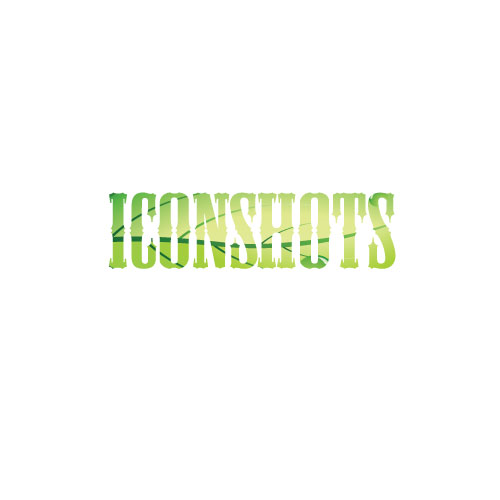
Conclusion
You can download .ai and .eps formats below. I hope you enjoy the tutorial and leave your comments.
[download id=”19″ format=”3″]
Discover more from Life and Tech Shots Magazine
Subscribe to get the latest posts sent to your email.







Your Comments
The type should be on a seperate layer, the leaf image place should be
sent to the back, and the type should be on top.
Select both images and then go to Clipping Mask make.
Great work keep it coming
Haha am I really the first comment to this great post?!?