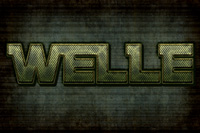
Tutorial Result of Creating a Mech-Inspired Text Effect in Photoshop
Online Tutorials are most common topics of many design blogs. They are very useful if you’re interested in learning to create art.


Online Tutorials are most common topics of many design blogs. They are very useful if you’re interested in learning to create art.
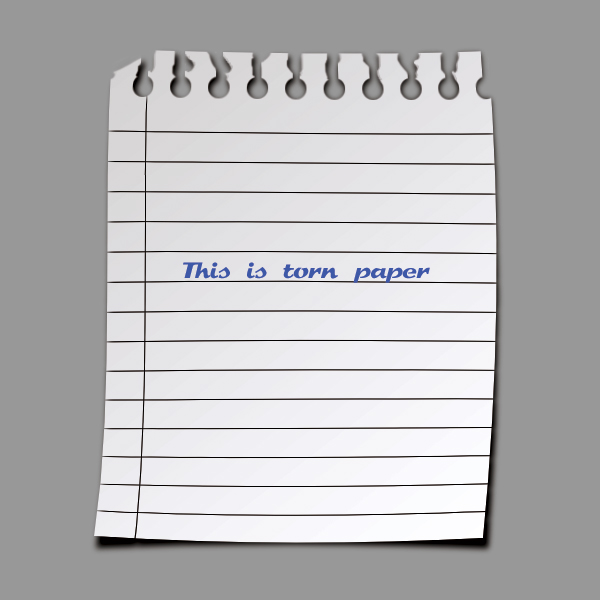
In this tutorial you will learn how to create a torn paper. The result can be used as an icon or you can use it as a background in your newsletters. Brush effects and clipping mask commonly used in this tutorial.
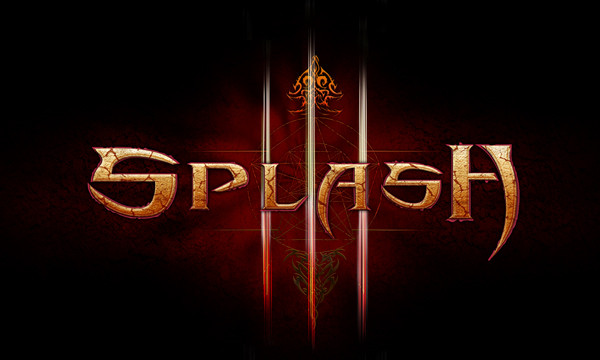
Online Tutorials are most common topics of many design blogs. They are very useful if you’re interested in learning to create art.

In this tutorial, we will learn how to create a stylish monitor. Most of the coloring is done using gradient tool and used several basic techniques to create a iMac style monitor.
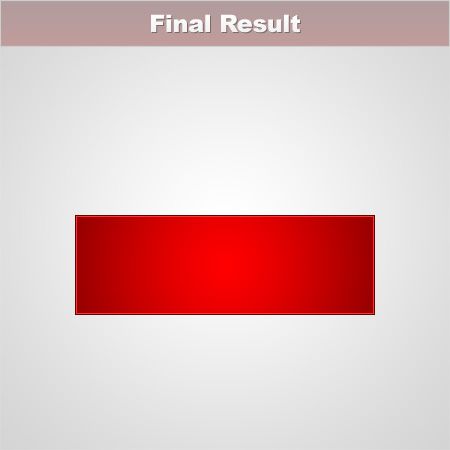
Buttons are an important part of modern web design. In today’s tutorial we’ll use Photoshop to create a shiny button with only three easy steps.
Backgrounds are used everywhere, in designing various graphic materials and website templates. Sometimes it can be hard to create an original background for your web template or business card but mostly it’s very easy if you know some Photoshop techniques.
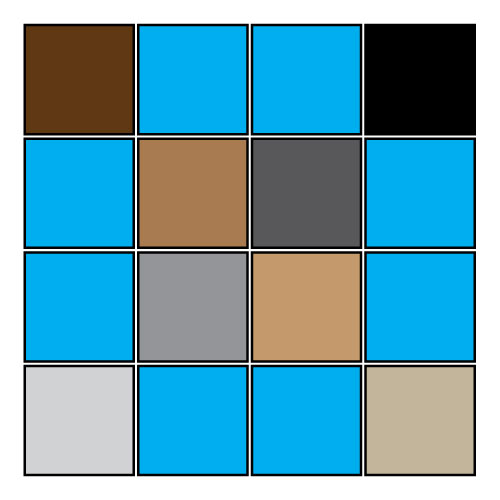
Tutorial Details
Program: Adobe Illustrator
Difficulty: Beginner
Estimated Completion Time: 20 minutes

I usually try online photoshop and illustrator tutorials which is written by graphic designers. They are very useful to improve your skills.
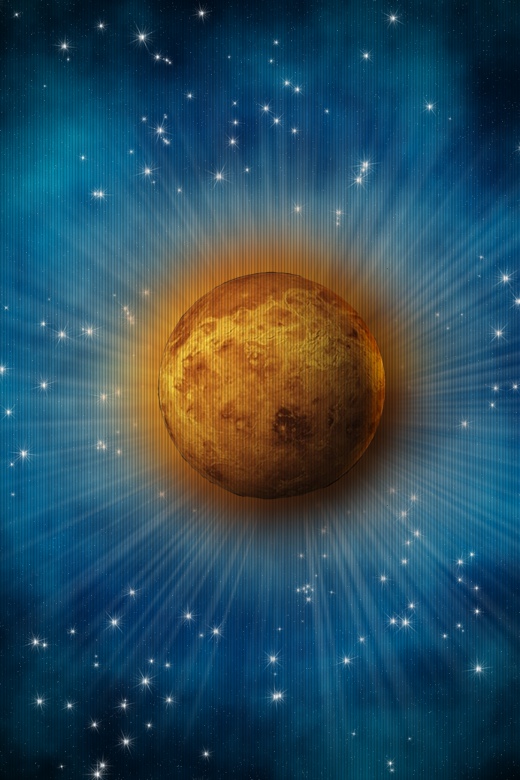
Today I tried Pixelmator tutorial and the result is almost the same.
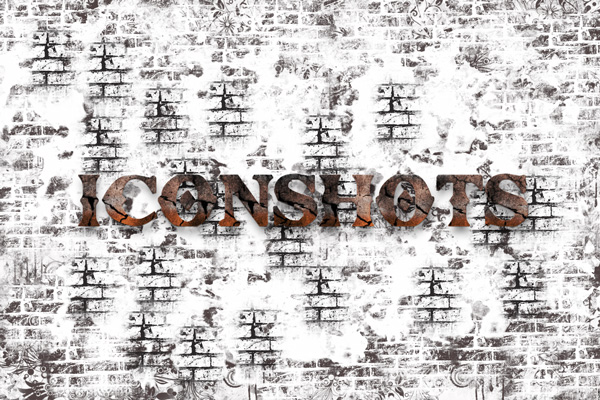
Online Tutorials are most common topics of many design blogs. They are very useful if you’re interested in learning to create art.
