

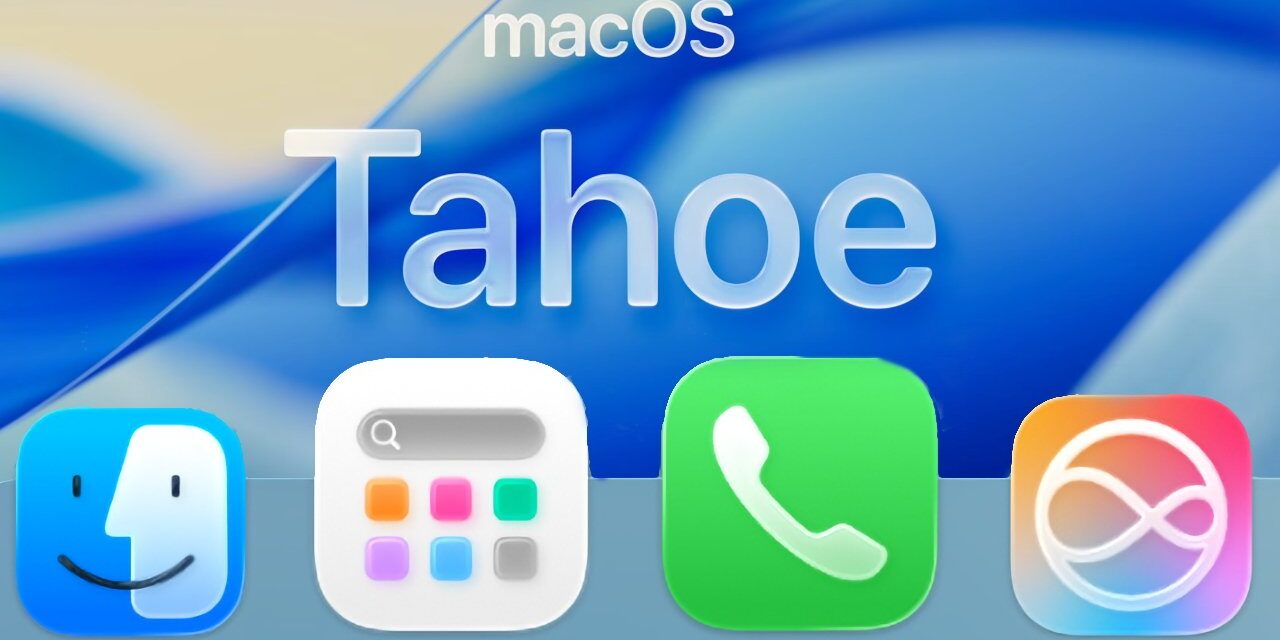
After a 14-year run that began with OS X Lion in 2011, Apple is officially retiring the Launchpad feature from the Mac. In its place, the upcoming macOS Tahoe introduces a new app launcher simply called Apps.
While its core function remains the same—providing quick access to your installed applications—the new Apps experience marks a significant shift in philosophy. It trades Launchpad’s customizable, iOS-style home screen for a more rigid, list-based approach. Users can view their apps sorted by Category or Name, and display them as either Icons or in a List. A “Suggestions” row at the top surfaces apps based on your recent activity.
This change rolls back one of Apple’s earliest efforts to bridge the Mac and iPhone interfaces. Launchpad famously mimicked the iOS home screen, allowing users to create multiple pages of apps and organize them into custom folders. This level of personalization is gone in Tahoe’s Apps.
You’ll find the new Apps icon occupying the Launchpad’s traditional spot in your Dock. However, navigating your collection may feel less direct. Finding a specific app could require scrolling through categories or clicking “Show More.” For faster access, it’s often more efficient to type the app’s name into the search bar at the top of the Apps window.
For those who prefer the old ways, traditional methods remain fully functional: you can still open your Applications folder directly in the Finder (Shift+Command+A) or launch apps via Spotlight search.
Interestingly, Launchpad isn’t entirely erased from the Tahoe beta. A search within the Finder (Command+F) for “Launchpad” will still surface a dimmed icon. Clicking it simply opens the new Apps utility, suggesting the result is a phantom alias—a placeholder likely maintained to prevent errors in scripts or workflows that reference the old Launchpad.
While technically possible to force Launchpad back to life using Terminal commands, this workaround is not recommended for most users. It involves overriding system files and, in testing, has been found to disable Spotlight functionality. Furthermore, such a hack is almost guaranteed to be broken by a future macOS update.
Discover more from Life and Tech Shots Magazine
Subscribe to get the latest posts sent to your email.